
Download Sound Renew
Free to download for iPhone and Android, with free treatments for people, dogs and horses and optional monthly plans.
Get the app
One app for people, dogs and horses.
- iPhone
- Requires iOS 17.0 or later. Sound Renew arrives as an update to iTherapySmartCure, so existing users update in the App Store.
- Android
- Requires Android 5.0 or later. Sound Renew updates the existing iTherapySmartCure listing on Google Play, and brings dog and horse treatments to Android for the first time.
- Languages
- 11 languages: English, Arabic, Danish, German, Spanish, French, Italian, Japanese, Korean, and Chinese (Simplified and Traditional).
- Price
- Free to download. Three human treatments, one for dogs and one for horses are free. Monthly plans unlock the rest. See pricing.
Inside the app
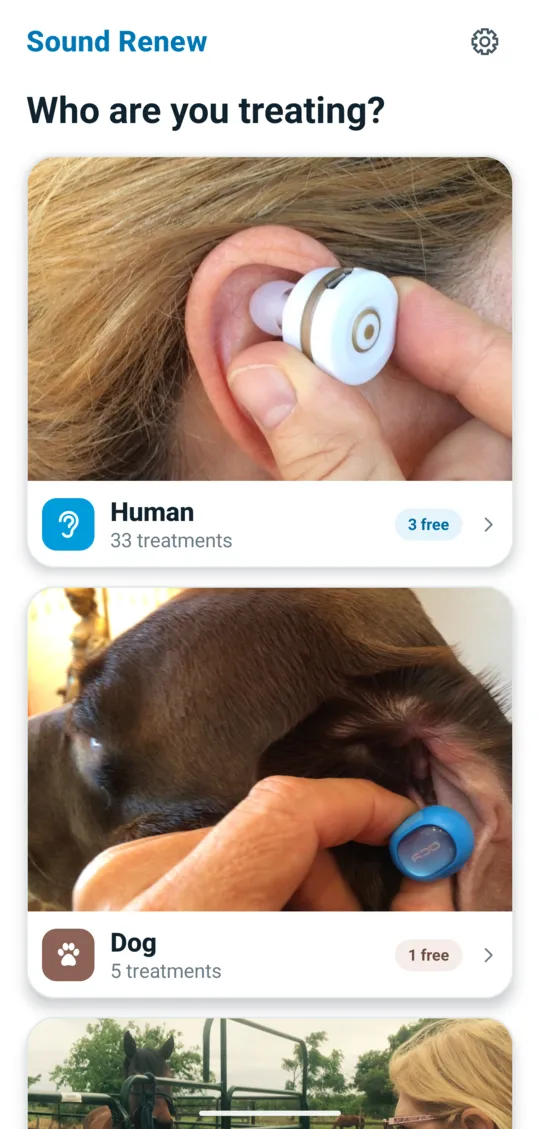
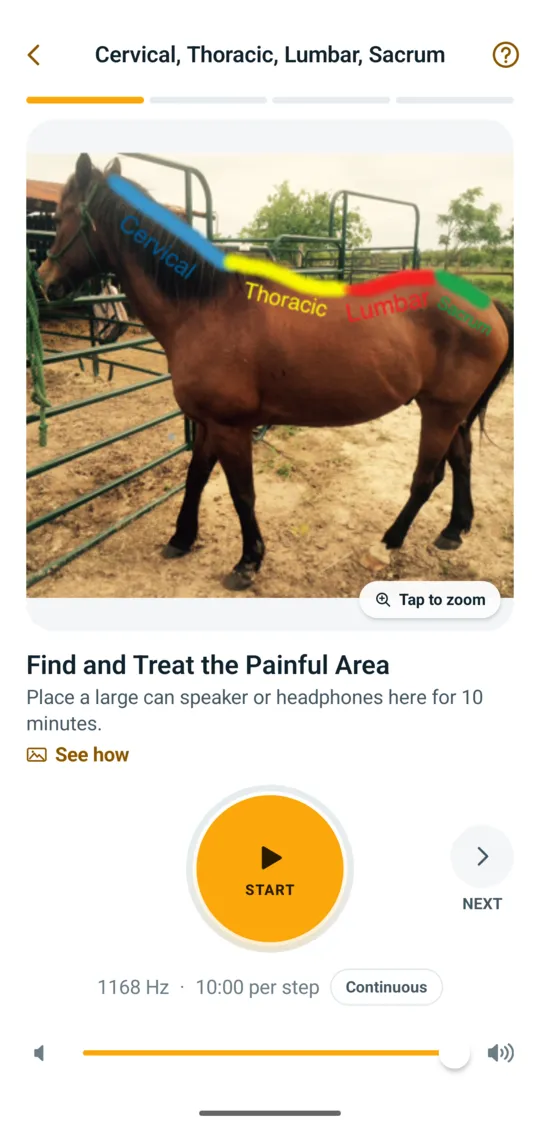
Screens from Sound Renew.
Pick who you are treating, choose a treatment, then follow each step: a photo shows where the speaker or headphone bud goes, with a timer and frequency for every step.



After you install
- Choose who you are treating. Human, dog or horse. Each has its own treatments.
- Pick a treatment. Free ones are marked. The first step shows where the speaker or headphones go.
- Follow each step. The blue mark shows where the headphone bud goes. Each step has its own timer.